Is Duoduo AI free to use?+
Duoduo AI's Video Upscaler offers a free usage quota, with browser-based local
processing that allows access to core features without payment or account registration.
Will my video be uploaded to a server?+
No. All video processing happens locally in your browser, video files are never
uploaded to any server, ensuring complete privacy and security.
Do I need to download or install anything?+
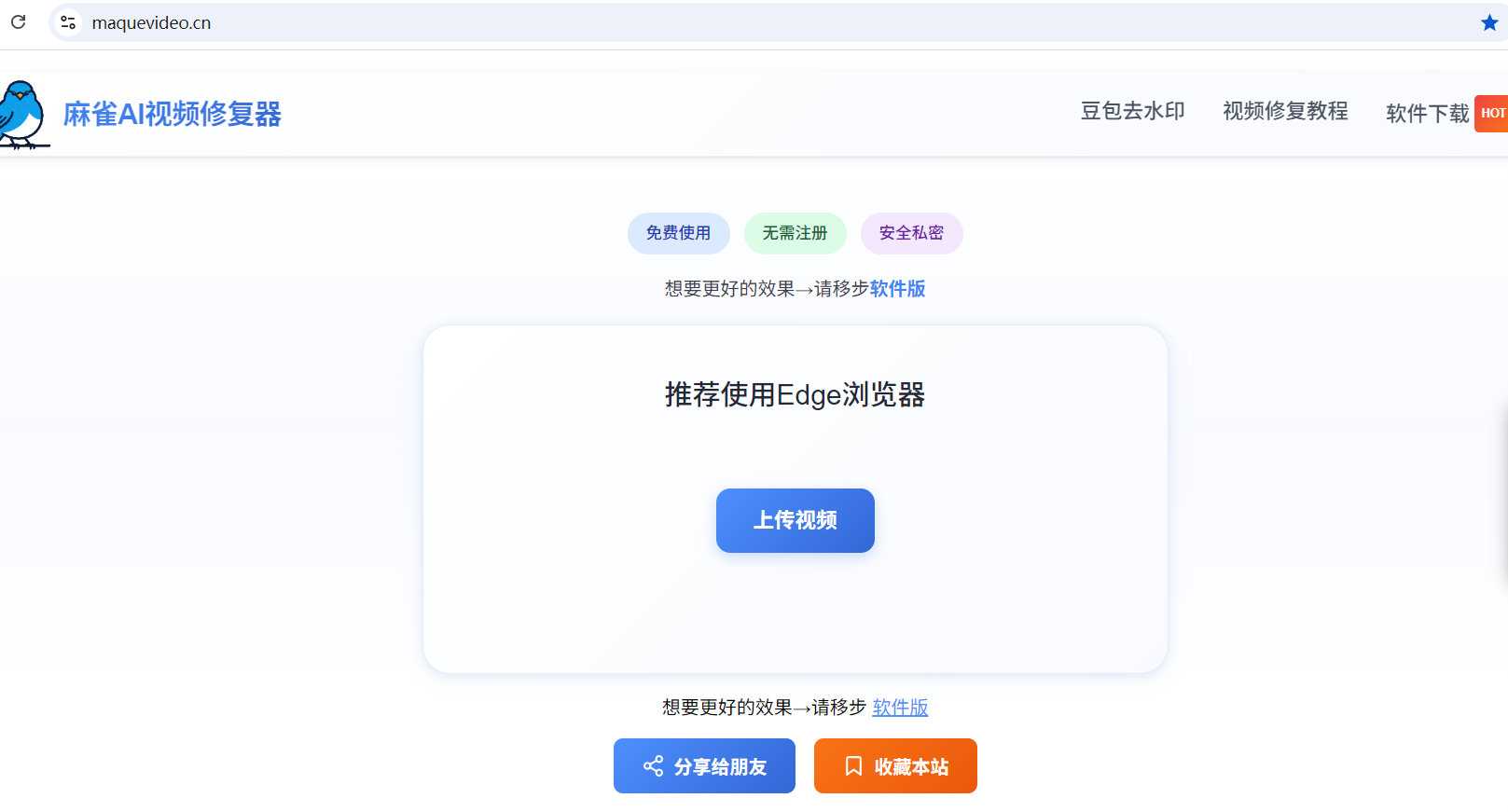
No. Duoduo AI tools run in your browser, just open the page to start using, no
software download or installation required, supports Windows, macOS, and mobile cross-platform usage.
What features does the Video Upscaler support?+
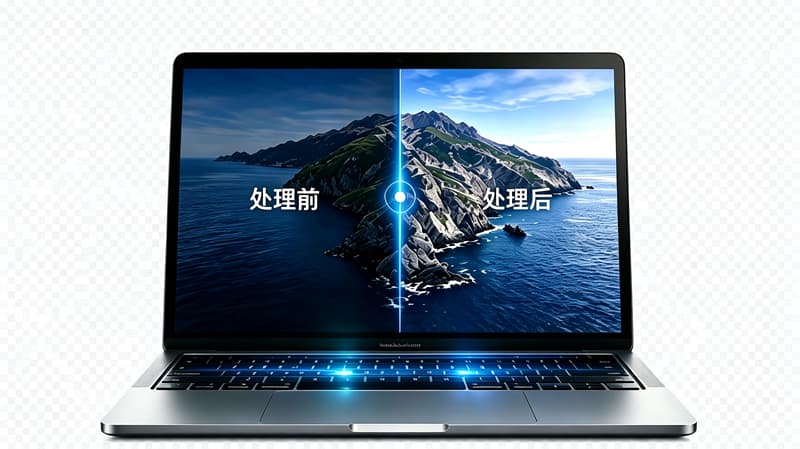
The Video Upscaler supports AI-powered quality enhancement, upscaling videos to
2K/4K/8K HD, repairing old and blurry videos, increasing resolution, and enhancing clarity, suitable for old
footage and short video material enhancement.
How long does it take to upscale an old video to 4K?+
Duoduo AI's Video Upscaler takes time proportional to video length when upscaling old
videos to 4K, typically about 1-2 minutes per minute of video, browser-based local computation, no queue
waiting.
Will the processed video have a Duoduo AI watermark?+
No. Duoduo AI tools are completely free, processed output videos carry no platform
watermark or logo, users have full usage rights, can freely share and use commercially.
Will the enhanced video file be larger?+
Enhanced video files are typically larger, depending on the target resolution. For
example, upscaling from 720P to 4K may result in a file 3-5 times larger. Duoduo AI's tool supports custom
output parameters, allowing you to balance quality and file size.
What video formats are supported?+
Duoduo AI's video enhancer supports mainstream formats including MP4, AVI, MOV, MKV,
and WebM, covering most everyday use cases. Processed videos default to MP4 output for best compatibility.
Will there be color shift or distortion after enhancement?+
Duoduo AI uses super-resolution models trained on large datasets, preserving original
colors and details while enhancing quality. In rare cases, slight color shifts may occur; we recommend
comparing with the original and adjusting parameters before processing.
Can I use the video enhancement feature on mobile?+
Yes. Duoduo AI runs in your browser — simply open Chrome, Safari, or another mobile
browser to use it without installing an app. Due to limited mobile computing power, we recommend processing
shorter video clips for the best experience.


 Windows
 macOS
macOS Linux
Linux iOS
iOS Android
 Chrome
 Edge
Edge Firefox
 Safari
 Opera
Opera Brave
Brave